
Scan
Your phone is the barcode scanner.
Tap Camera, point it at the box, and it’s on the sale. A USB or Bluetooth scanner works too, anywhere on the screen, with no setup.
Ring up sales, scan barcodes with the phone in your pocket, and always know what’s on the shelf. Ledger is the register, inventory, and invoicing in one, made on the Oregon Coast.
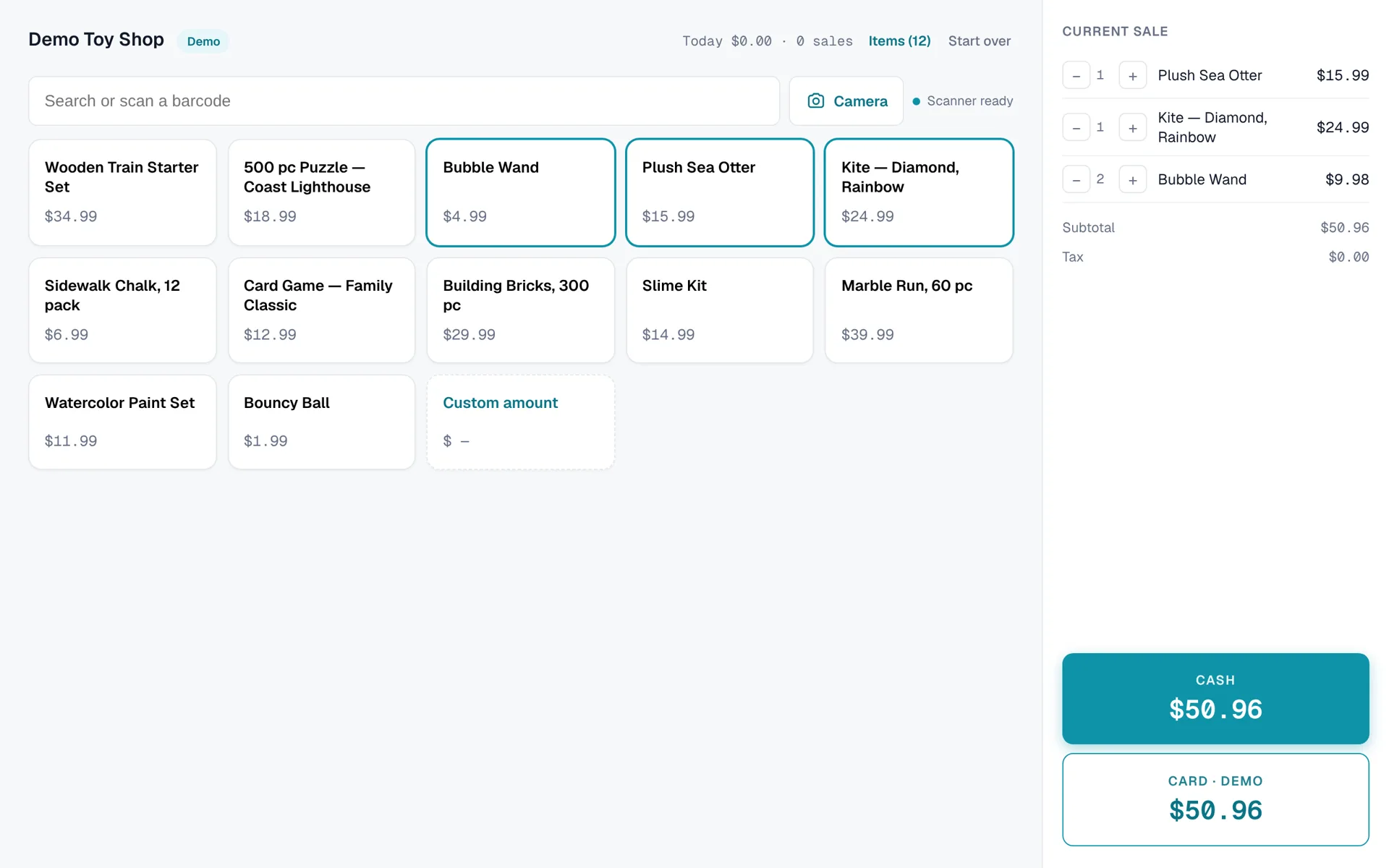
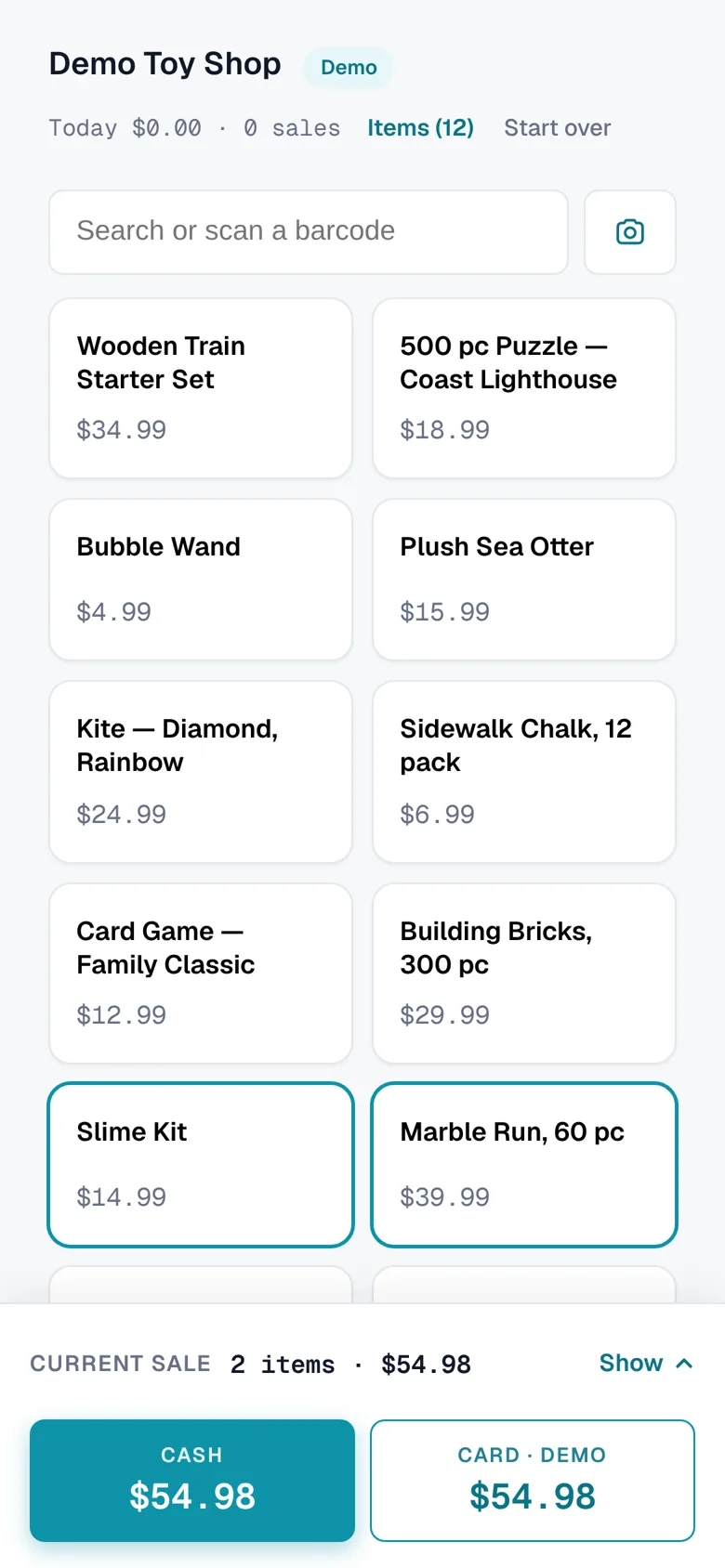
Tap Camera, point it at the box, and it’s on the sale. A USB or Bluetooth scanner works too, anywhere on the screen, with no setup.
Card payments carry Stripe’s standard processing fee. Ledger adds nothing on top.
Every sale counts down. Every refund counts back. Every change is logged.
Upload a spreadsheet or a Square export. You see every row, with plain-English notes, before anything saves.
Every item links to its recent eBay sold prices. Handy for used, vintage, or collectible stock.
Send an invoice, get paid by card online, and it lands in the same sales list as the counter.
Flip on Sell online for any item and it shows up in your own web store, with your name and your photos. One inventory, one stock count, and online orders in the same sales list as the counter. Sell the last kite in person and it’s sold out online too.
Scan them in one by one, type a few, or import your spreadsheet.
Scan or tap. Total, tax, and change are done for you.
Sales, stock, and who rang what, on any device.
No. Ledger never adds a per-transaction fee or a percentage. Card payments carry Stripe's standard processing fee, which Stripe charges directly, as any card processor would. Cash sales cost nothing.
No. A phone, tablet, or computer runs the register, and the phone camera scans barcodes. If you want them, any USB or Bluetooth barcode scanner and any 80 mm receipt printer with a computer driver will work.
Your screen shows a QR code; the customer scans it and pays on their own phone with a card, Apple Pay, or Google Pay, processed by Stripe. A tap-and-insert card reader is on the way.
Scanning and building a sale keep working if the connection drops, but finishing a sale needs a connection today. An offline mode that saves cash sales and syncs later is being built.
Yes. Save it as a CSV from Excel, Google Sheets, or Square and upload it. You'll see every row before anything is saved, with plain-English notes on anything that needs fixing.
Rooted Coast Design, a small studio in Bandon, Oregon. We set up each shop ourselves, and you can reach a real person at hello@rootedcoastdesign.com.

Name your shop, scan a few boxes with your phone, ring up a sale. Two minutes, nothing to install.